
Logitech G Play
The countdown is on for September 23 and the announcements you have been waiting for. Get ready for product reveals, esports, sim racing, community-powered experiences and more!
Feature map
KEYCONTROL, HERO 2, LIGHTSYNC, Mixline, Games, profiles, community configs, and firmware updates. Content reviewed against public G HUB product pages in August 2026.
Keys
KEYCONTROL
Sensor
HERO 2
Light
LIGHTSYNC
Audio
Mixline
Discover new ways to play, explore endless possibilities, and connect with a community that inspires. Your next breakthrough starts here.
The countdown is on for September 23 and the announcements you have been waiting for. Get ready for product reveals, esports, sim racing, community-powered experiences and more!
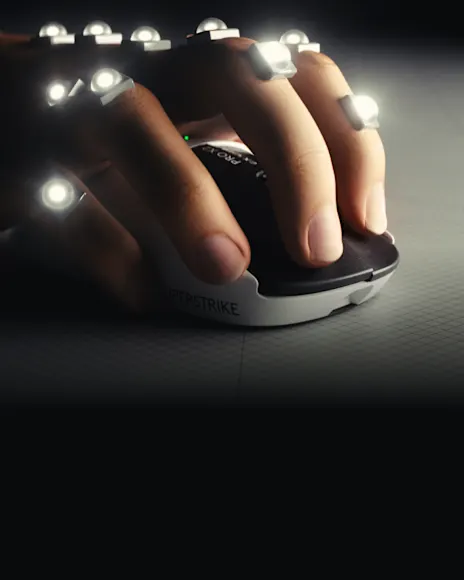
Built on pro telemetry and fast mapping from elite players, every detail is tested and iterated for instinctive control over thousands of hours of gameplay.
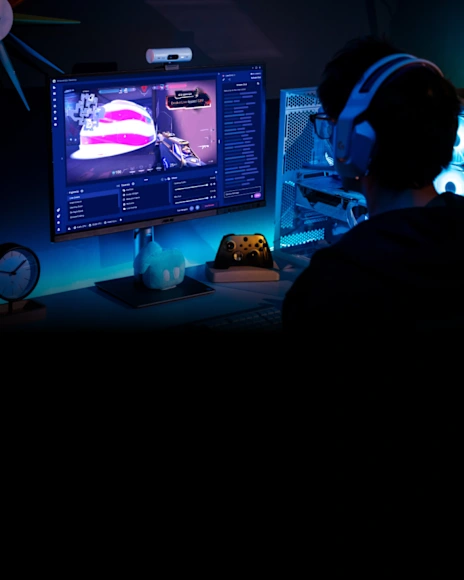
Create a community around your gameplay with the tools you need to grow—from first stream to full-time creator—all with Streamlabs.
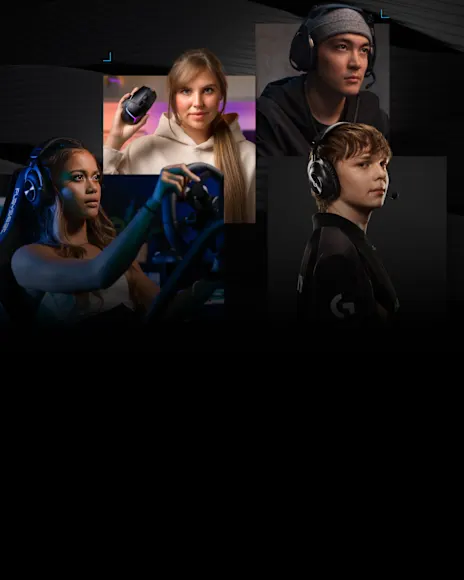
The thrill, the win, the culture. No matter why you play, Logitech G has the gear to help you hit your next breakthrough.

Start your engine with Logitech G and McLaren. Discover racing stories, competition and the technology behind the drive.
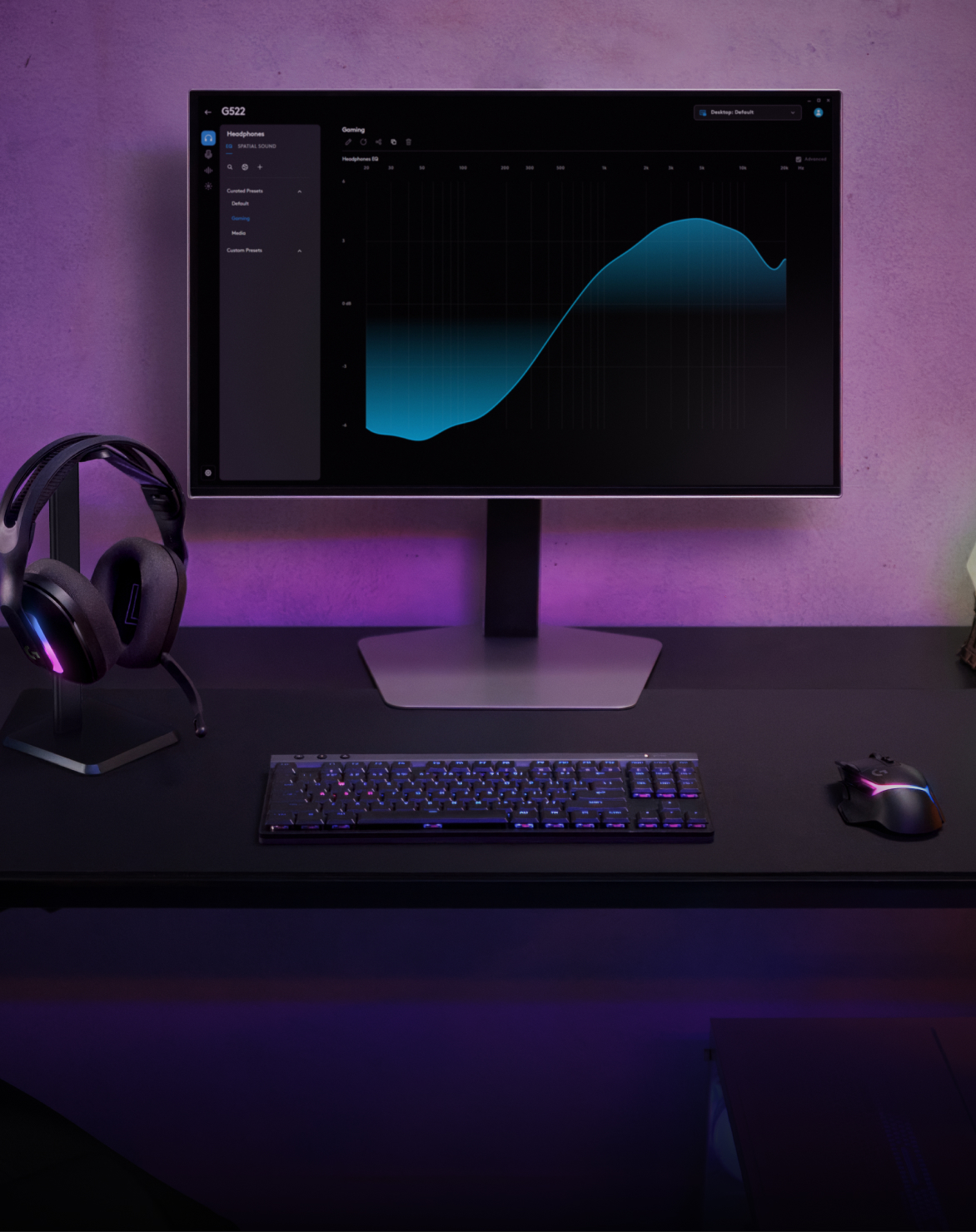
Set your DPI, make your first assignment and try LIGHTSYNC effects. Take a hands-on tour of the basics of G HUB.
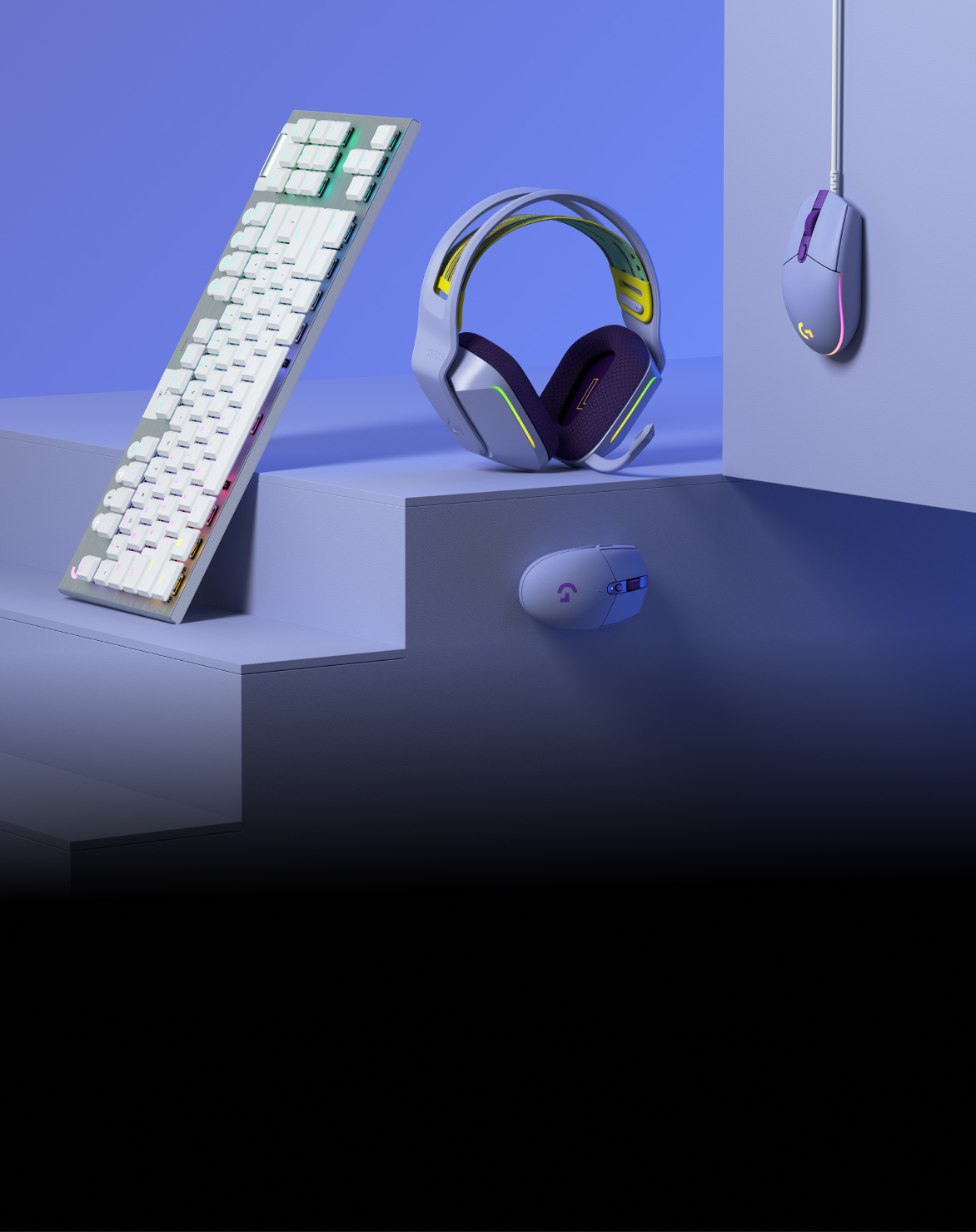
Play your way with the Color Collection. Customizable and comfortable gaming headsets, mice and keyboards are available in multiple colors.
Keyboards
KEYCONTROL is the keyboard configuration UI and feature set in G HUB. It supports detailed G-key assignment for G keyboards, including workflows highlighted with the PRO X 60 Wireless Gaming Keyboard launch.
Mice
HERO 2 is Logitech G flagship optical sensor family. G HUB exposes DPI stages and related mouse options so you can store precision setups for shooters and higher DPI stages for desktop work.
On supported mice, save a profile to onboard memory if you need core settings without the app running. Automatic game switching still requires G HUB in the background.
Download to tune DPILighting
Static colors, custom animations, screen or audio reactive effects, and sync across G devices. On Windows 11 build 22621 or newer, Dynamic Lighting can coordinate compatible LIGHTSYNC gear with the OS lighting stack.
Match keyboard, mouse, headset, and mic lighting to one profile, or keep device-specific effects when a game profile loads.
Optional Windows 11 path for coordinating G LIGHTSYNC devices with other Dynamic Lighting compatible hardware.
Streaming audio
Mixline is built to make audio routing, mixing, and streaming setup less painful. Headset users can also adjust EQ and spatial options such as DTS Headphone:X where the device supports it.
Older Astro Series headsets may still rely on Astro Command Center for full configuration. G HUB remains the primary path for current G audio gear and Mixline workflows.
Audio and compatibility FAQLibrary
Manage a library from one app: launch, organize, and attach customizations to detected titles from common PC store fronts.
Reference
| Module | What you configure | Related guide |
|---|---|---|
| KEYCONTROL | G keys, remaps, macros | Profiles |
| HERO 2 | DPI stages, mouse buttons | Best practices |
| LIGHTSYNC | Effects, sync, Dynamic Lighting | FAQ |
| Mixline | Routing and mix for streams | Guides |
| Firmware | Device DFU updates via G HUB prompts | Changelog |