Games and profiles
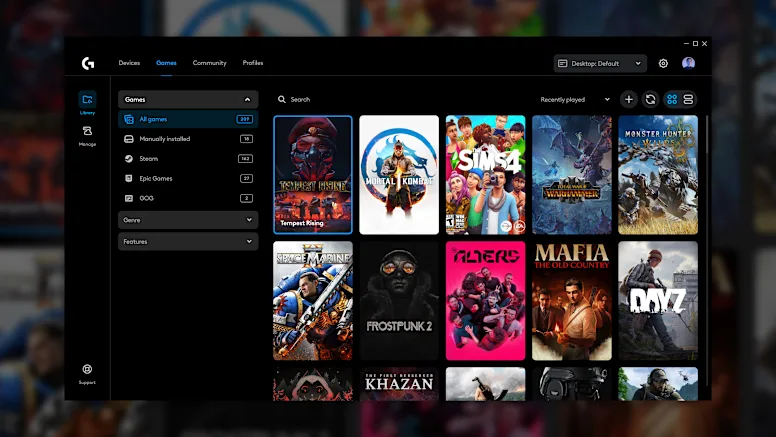
Keep installed titles, executable paths and the profile each game should activate in one library.
Read moreOne control layer for Logitech G mice, keyboards, headsets and lighting, with a profile per title applied the moment a game starts.
G HUB feature gallery
Real G HUB modules for profiles, connected devices, key assignments, HERO sensor tuning and LIGHTSYNC.
Keep installed titles, executable paths and the profile each game should activate in one library.
Read more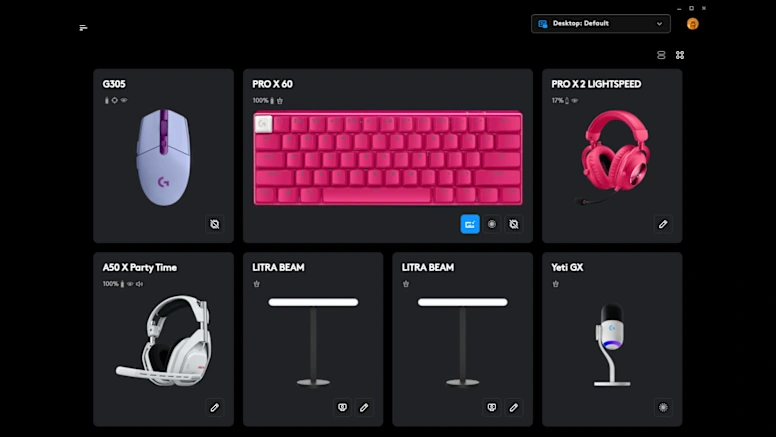
Open a mouse, keyboard, headset or microphone directly from the device dashboard.
Read more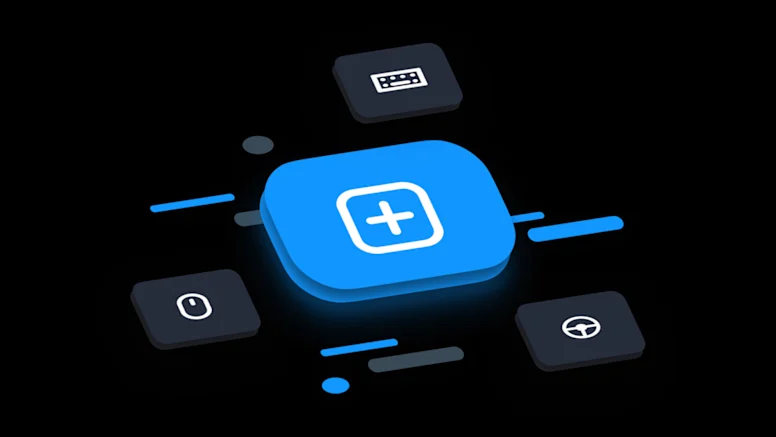
Remap G keys, build layered shortcuts and keep macros attached to the correct game profile.
Read more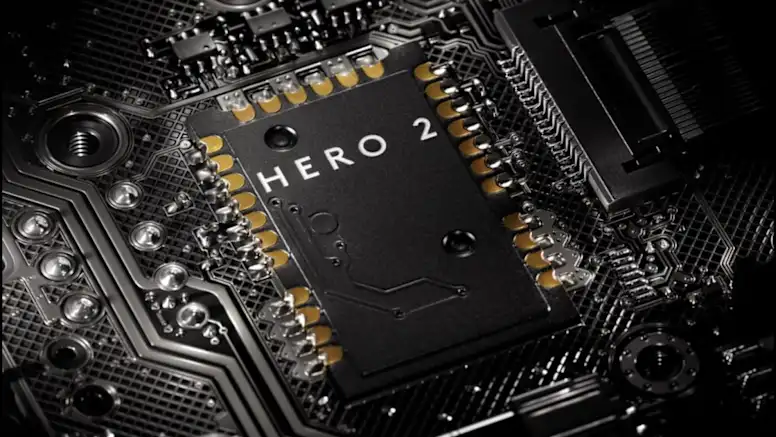
Tune DPI stages and mouse behavior, then store a core setup in onboard memory where supported.
Read more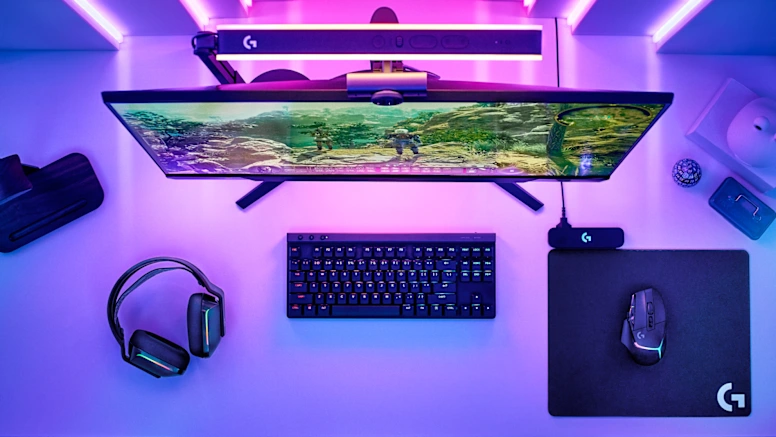
Coordinate static colors, animations and reactive effects across compatible Logitech G gear.
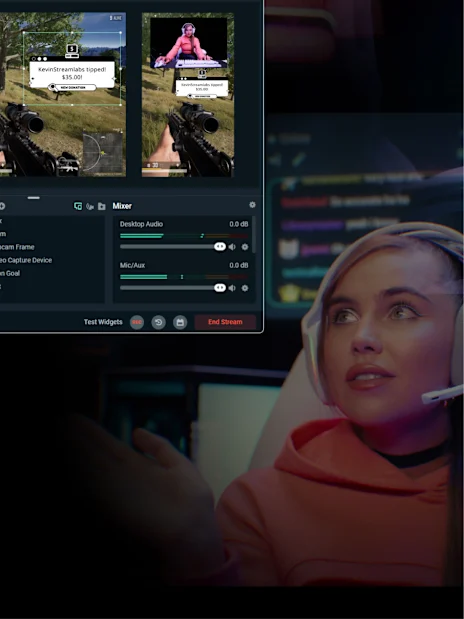
Read moreUse Mixline, Streamlabs and Astro software tools alongside G HUB to route audio, control a stream and configure supported headsets.
Route and mix application audio through visual channels for a cleaner gaming or streaming setup.
Discover moreConnect supported G keys to stream controls and keep scene actions close to the keyboard.
Discover moreConfigure supported Astro headsets while older hardware generations continue to use Astro Command Center.
Discover moreHardware ecosystem
Device support
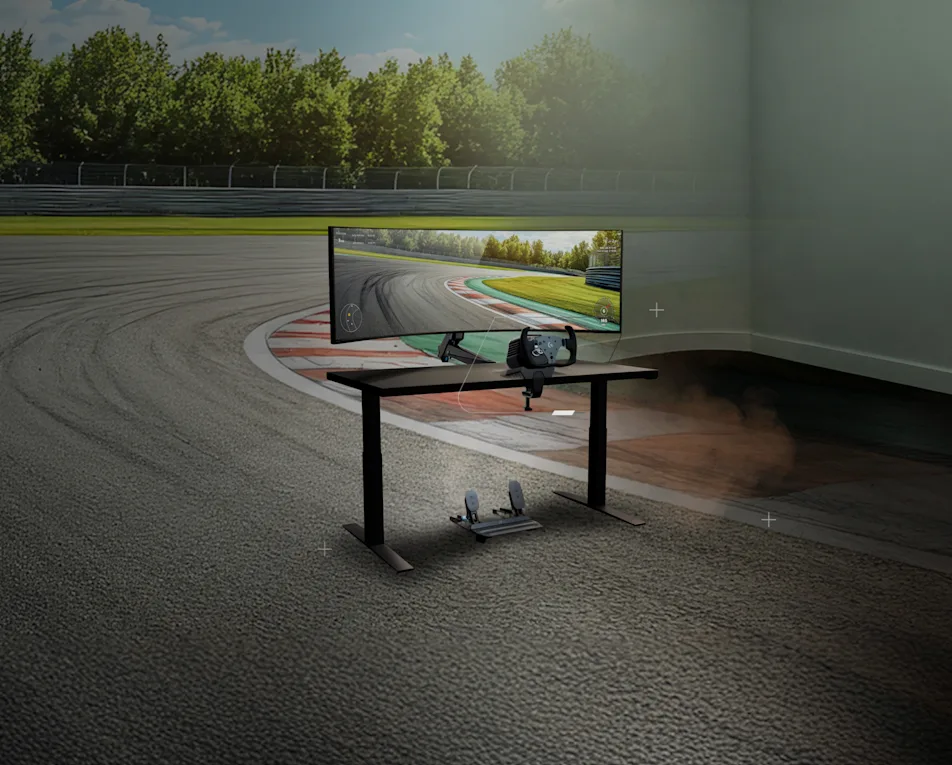
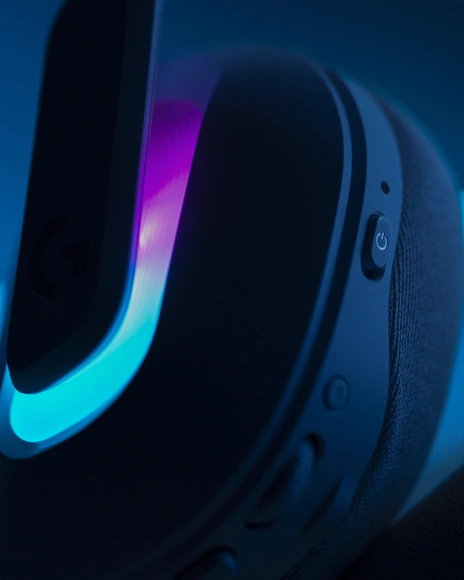
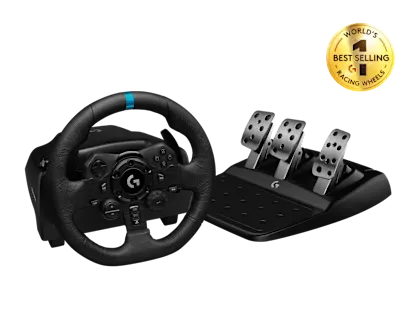
Configure compatible mice, keyboards, headsets, wheels and microphones from G HUB.
Explore devices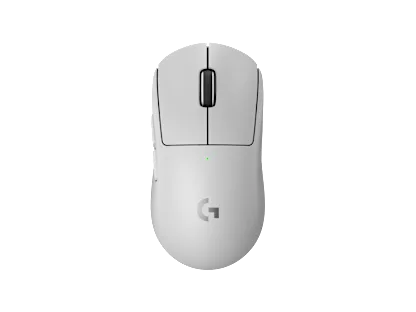
Gaming mouse
HERO 2 sensor tuning, DPI stages and onboard profile support.
Mouse controls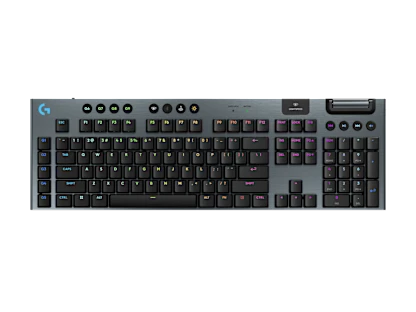
Gaming keyboard
Per-key LIGHTSYNC, assignments and game-specific profiles.
Keyboard controls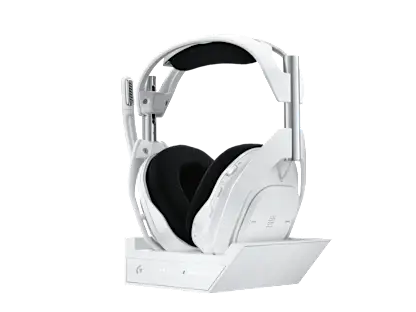
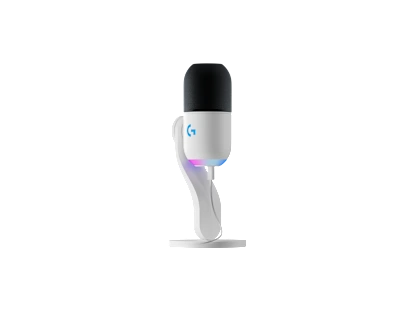
Gaming microphone
Microphone gain, lighting and streaming-oriented controls.
Microphone controlsCategory context
Specific criteria only. Use it to decide which control plane fits the gear already on your desk.
| Criterion | Logitech G HUB | Logitech Options+ | Razer Synapse |
|---|---|---|---|
| Primary devices | G mice, keyboards, headsets, wheels, mics | Logitech MX and productivity line | Razer peripherals |
| Lighting stack | LIGHTSYNC with optional Windows Dynamic Lighting | Limited RGB next to the G line | Chroma |
| Audio tools | Mixline, plus Astro Command Center for older Astro gear | Not focused on G audio routing | Razer audio suite |
| Per game profiles | Automatic detection with cloud and community configs | Application based settings | Automatic detection |
| License | Free proprietary, 2026.5.939708, about 67.75 MB | Free proprietary | Free with account features |
Verified build data
This site is an independent information resource. It is not operated by Logitech. The figures below were checked against public software listings in August 2026.
Community themes
Paraphrased from recurring public support threads. No star ratings, no invented endorsements.
Competitive mouse user
Per game DPI profiles are the reason I keep it installed. When the EXE path breaks after a Steam move, profiles stop switching until I fix the path.
RGB desk setup
LIGHTSYNC looks great synced across keyboard and mouse. I wish updates were quieter, because a bad update once meant a clean reinstall.
Windows 11
After sleep it stuck on Loading Localizations until I killed the lghub processes and restarted the updater service. Settings were fine afterward.
Streamer
Mixline finally made headset routing less confusing for streams. It is still heavier than I want for a background tray app.
Keyboard user
Community profiles saved time on a new G keyboard. I duplicate them, then strip the macros I do not need.
Seeing a loading loop? Start with the loading screen guide.
Quick answers
The five questions that come up most often, answered plainly.
Open the full FAQReady to install
2026.5.939708
Windows EXE, about 67.75 MB. Check the system requirements, the changelog timeline and the SHA-256 note before you run the installer.